
Convert MKV to MP4 Video with MkvToMp4 Converter (Free)
This article was written to help users to convert MKV videos (HD Video, 720p/1080p) to MP4 format, in able to play the converted MP4 video file to any device or program that supports it, without loosing the high definition video quality that MKV offers. The Matroska Multimedia Container (aka MKV) is an open standard and popular video format but it is not supported by all devices, like iPads, iPhone, Apple TVs.
MKV offers a lot of features, supports several multimedia formats (different video, audio and subtitles formats) and it can hold an unlimited number of video, audio, picture, or subtitle tracks in one file. However, it is not supported by some old digital devices or by Apple's devices (iPAd, iPad mini, iPods, iPhone and AppleTV) or the iTunes multimedia application.
In this tutorial you can find detailed instructions on how to easily convert any MKV video file to an MP4 video without loosing the original video quality.
- Related article: Convert MKV to MP4 by using VLC Media Player.
How to convert MKV to MP4 Video by using MkvToMp4 converter.
1. Download MkvToMp4 video converter. *
* MkvToMp4 converter is a free, portable application that can convert eaily (in minutes) the mkv/m2ts/mts video files to Mp4 or M4v video files, without reconverting/transcoding the video (if the original video is in H264 format). MkvToMp4 converter supports multiple internal and external audio tracks and also supports the following subtitle formats: srt, ass, ssa, ttxt.
2. Extract the MkvToMp4_0.224.zip file.
3. Explore the contents of the extracted folder and then run the MkvToMp4.exe application from the "x32" folder if you have 32bit OS, or from the "x64 folder" if you have 64bit OS.
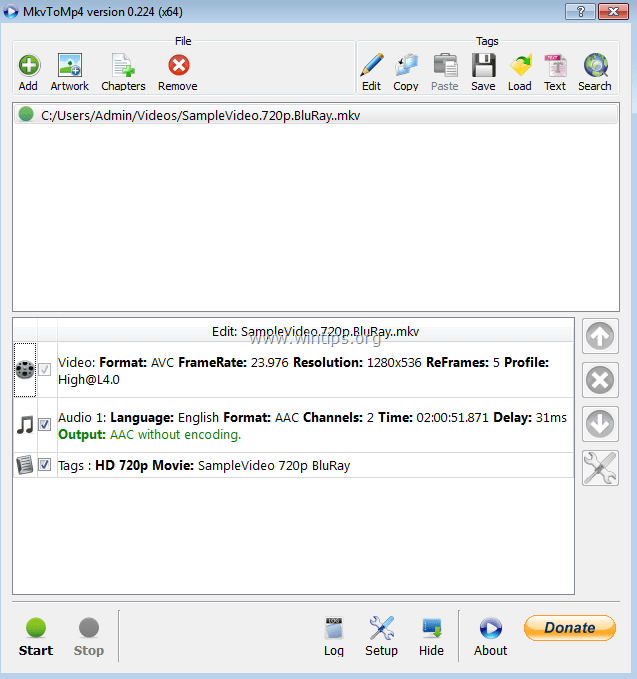
4. At the MkvToMp4 converter screen, click the Add button.

5. Select the MKV Video file that your want to convert to MP4 and click Open.

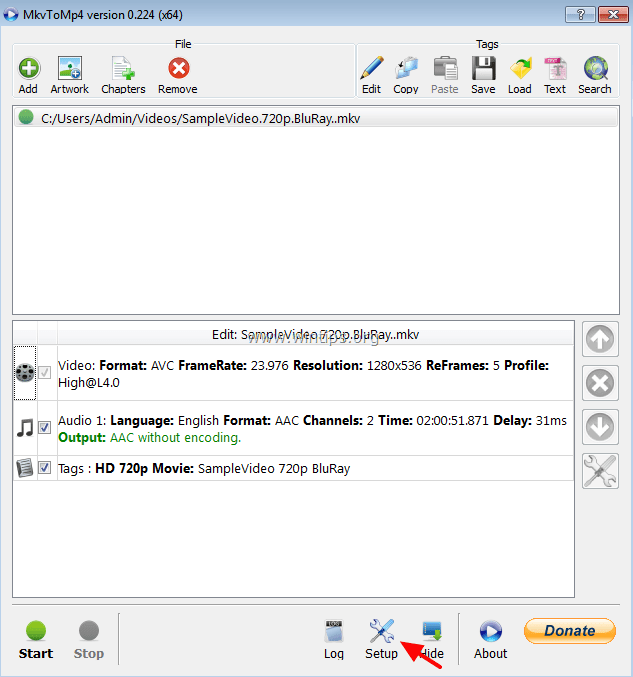
6. Then select the Setup button.
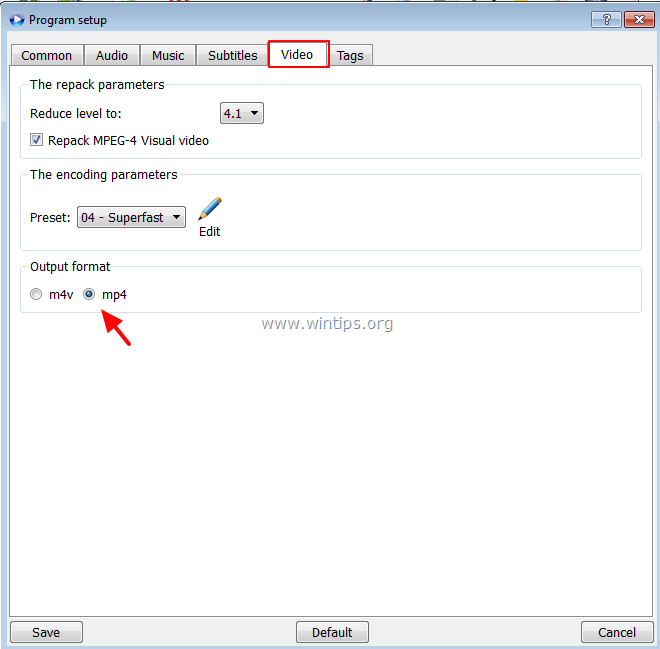
7. At Video tab, select the MP4 and click Save
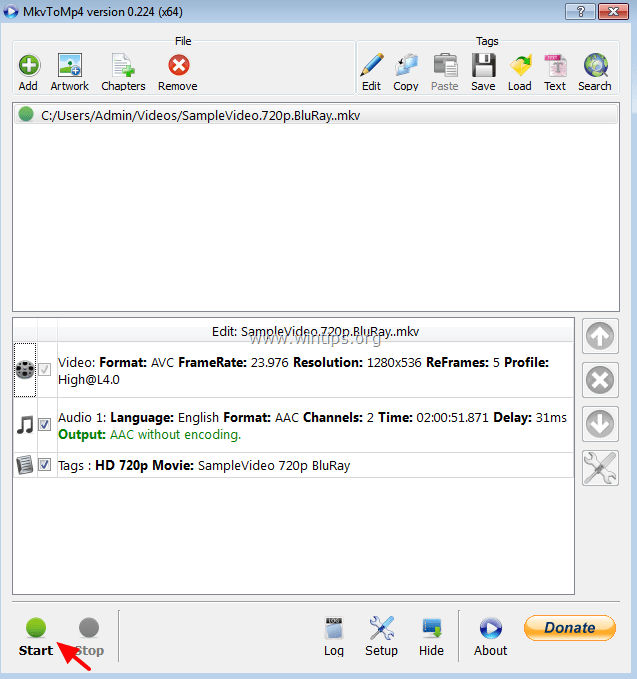
8. Finally click the Start button.
9. Now wait for a few minutes until the process is completed.
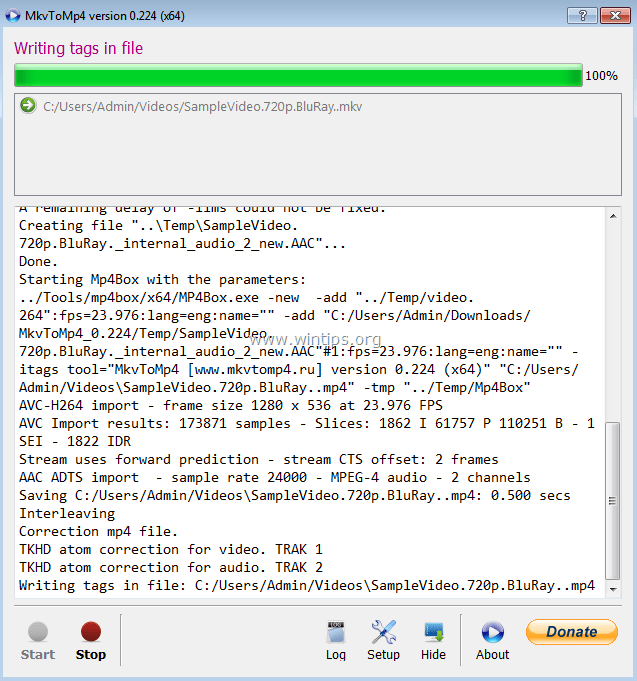
That's it!
Let me know if this guide has helped you by leaving your comment about your experience. Please like and share this guide to help others


September 22, 2018 @ 2:16 am
I've been using this for the last couple years. However there doesn't seem to be any upkeep on it. Its ability to locate metadata via iTunes store is becoming less and less as apple changes their search API.
Anyone know where the source code could be found so someone could take over maintenance and keep it up to date?
June 20, 2017 @ 10:00 am
Very informative! Thanks for showing clearly how to convert MKV video to MP4 video. I used to do that with Acethinker Video Converter, free and works perfect. It is a cloud based software to convert videos without install any software in your device. Share it here as an alternative to mkvtomp4.
March 12, 2017 @ 12:27 pm
THANK YOU VERY MUCH!!!
January 13, 2017 @ 1:16 pm
Thanks. Great article!