How to Format a Drive or SD Card to FAT32.
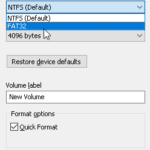
This tutorial may help any user who wants to format an SD card or a USB drive in FAT32 in Windows. As you probably know, in Windows 10, you cannot format to FAT32 a drive larger than 32GB, and the only options you have (after right-clicking on it and choosing 'Format'), is to format the […]