How to Access WindowsApps folder in Windows 10/8
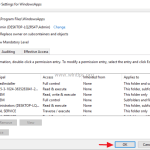
By default Windows use the "C:\Program Files\WindowsApps" folder, to store all the installation files of all modern installed apps. The "WindowsApps" folder is hidden and by default it is not accessible to users and whenever you try to view its contents,