How to Encrypt Drive C: with BitLocker in Windows 10/11 Pro & Enterprise.
This tutorial contains detailed instructions on how to lock your entire computer contents on Windows 10 Pro or Enterprise Editions, by using the BitLocker encryption program.
In a previous article I mentioned the way to add a VPN Client connection on Windows 8, 7 or Vista. In this article I'll show to you the way to setup a VPN connection to your workplace on Windows 10.
This tutorial contains detailed instructions on how to encrypt the operating system drive C: on Windows by using the VeraCrypt free encryption program. VeraCrypt is a free open source disk encryption software
This tutorial contains instructions to fix the following issue: Windows 10 won't load correctly and shows only a black screen with cursor after installing updates.
On the latest motherboard (PC/Laptops) models, the manufacturers have added the support for the UEFI (Unified Extensible Firmware Interface), in addition to the traditional BIOS (Basic Input Output System) firmware interface.
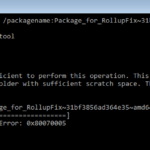
The tutorial contains instructions to fix the following DISM error: "The scratch directory size might be insufficient to perform this operation. This can cause unexpected behavior. Use the /ScratchDir option to point to a folder with sufficient scratch space".
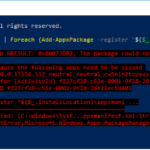
On a Windows 10 based the 'Windows Shell Experience Host' app, cannot be re-installed (re-registered) by using the "Add-AppxPackage" PowerShell command, with error: "Microsoft.Windows.ShellExperienceHost Deployment failed with HRESULT 0x80073D02.
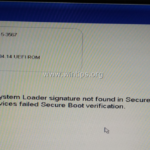
One of my customers, brought his Dell Inspiron 15-3567 laptop, to our service store with the following boot problem: "The Operating System Loader signature not found in SecureBoot database ('db'). All bootable devices failed Secure Boot verification."
The following error may appear after updating Windows 10: "C:\Windows\system32\config\systemprofile\Desktop is unavailable. If the location is on this PC, make sure the device or drive is connected or the disc is inserted, and then try again.
On a Windows 10 based computer, the following warning message is displayed in Update and Security center: "We couldn't connect to the update service. Your device is at risk because it's out of date and missing important security and quality updates. Let’s get you back on track so Windows can run more securely."